AI agents · Hands-on experimentation
Running my own AI agent: more control, more setup
An old MacBook, Linux Mint, and Hermes. Exploring what it takes to have an agent available at home—and within reach from my phone or watch.
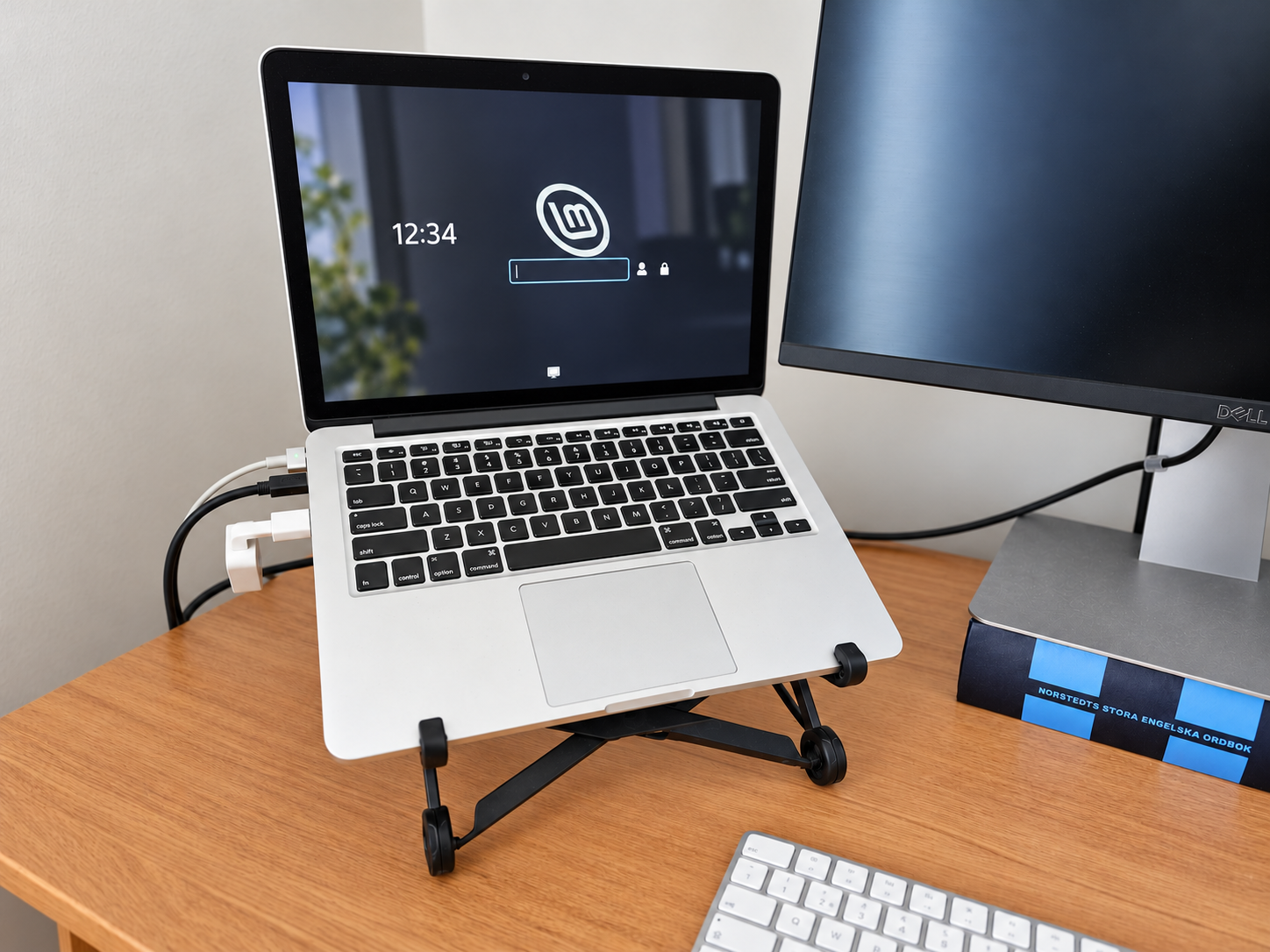
I wanted to experiment with an AI agent that could stay running at home and do useful work without me sitting in front of it. I was looking into buying a Mac Mini, having seen plenty of people online doing the same. Running models locally appealed from a privacy perspective, but with the models running in the cloud for my setup, I couldn’t justify the cost of a new machine. So I dusted off my old 2013 MacBook and started there.
Giving the MacBook another life
The version of macOS it could run was holding me back from using the current desktop software I wanted. So I cleared space and installed Linux Mint, with AI guiding me through the process.
I kept roughly half the disk for macOS and half for Mint. I thought I might still want the Mac side for the kids. In hindsight, I probably would have given the whole machine to Mint.
The installation went fairly smoothly. The less glamorous parts took some patience: getting the mouse and keyboard connected, sorting out language settings, and making the machine comfortable to use again. Being able to ask for help as each problem appeared made the process much more approachable.
Why run my own agent?
The appeal was control. I wanted room to choose models, connect the services I use, and set up different bots for different jobs. Hermes became the basis for that experiment.
I use its desktop interface, although it can also run from the command line. The UI gives me a way to manage the setup without doing everything in a terminal.
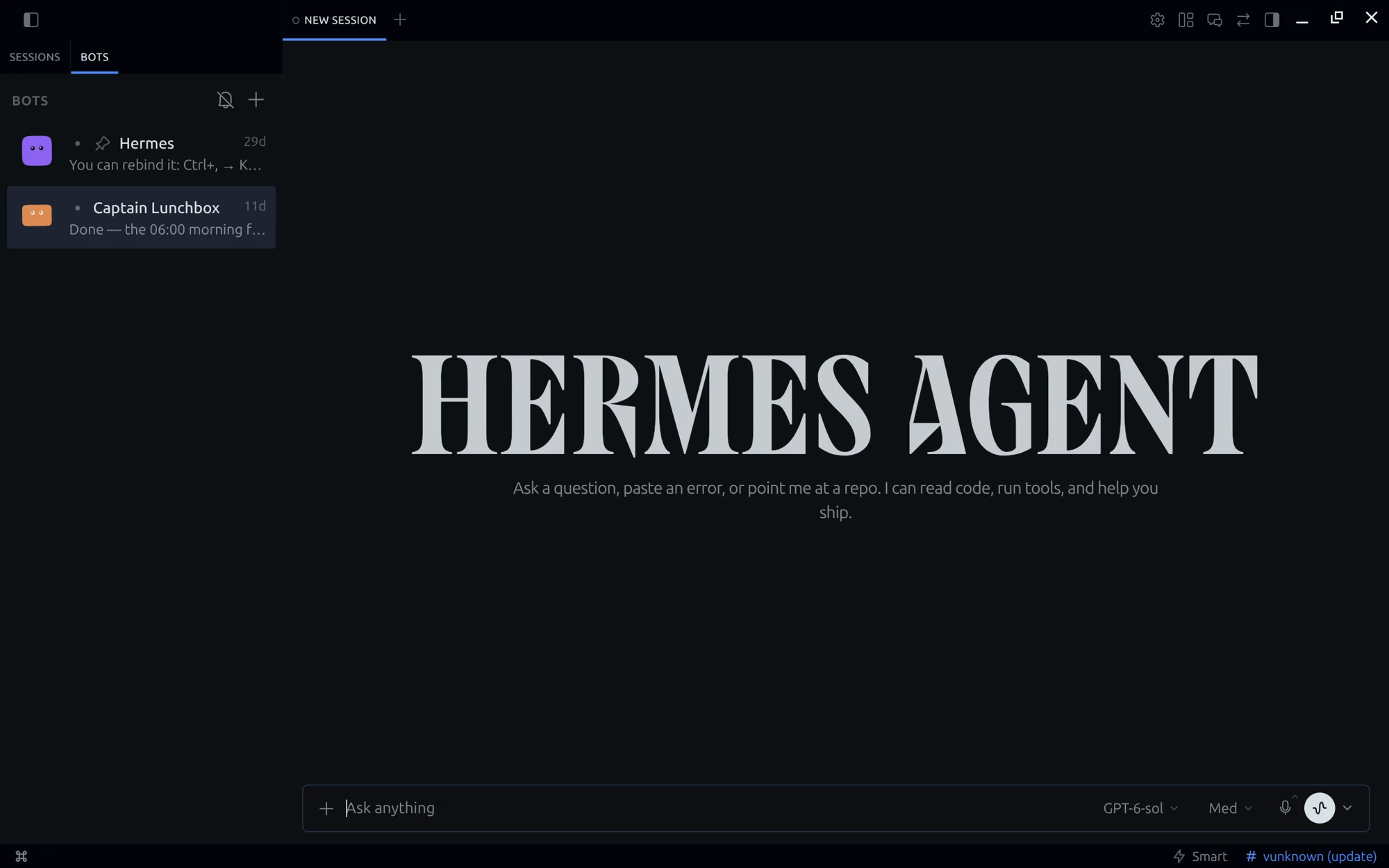
Running the agent on my own machine doesn’t make the whole setup private. When I use a cloud model, the information included in that request still goes to the model provider. A local model is a direction I could explore, with the limits of the hardware in mind. That isn’t the setup I’m describing here.
For now, the value is having more choice over how the pieces fit together. That comes with more responsibility for making them work.
Connecting things was the real work
Getting Gmail connected meant setting up access through Google Cloud. I’d already done similar work for n8n, so I could reuse some of that setup. Even with that head start, it was a technical exercise.
Website logins were another source of friction. I spent a fair amount of time wrestling with the agent trying to sign in for me. I eventually discovered there was a password vault, but that didn’t mean the agent could simply access and use it itself.
These were the parts where the idea of an agent doing things for me met the practical details of accounts, permissions, and authentication. A desktop interface makes the system easier to approach; it doesn’t remove that work.
Telegram made it feel useful
Connecting a Telegram bot changed how I could interact with the setup. I could send a request from my phone, and I could even reach it through Telegram on my Galaxy Watch.
That was a particularly satisfying moment: an old laptop at home, accessible from my wrist.
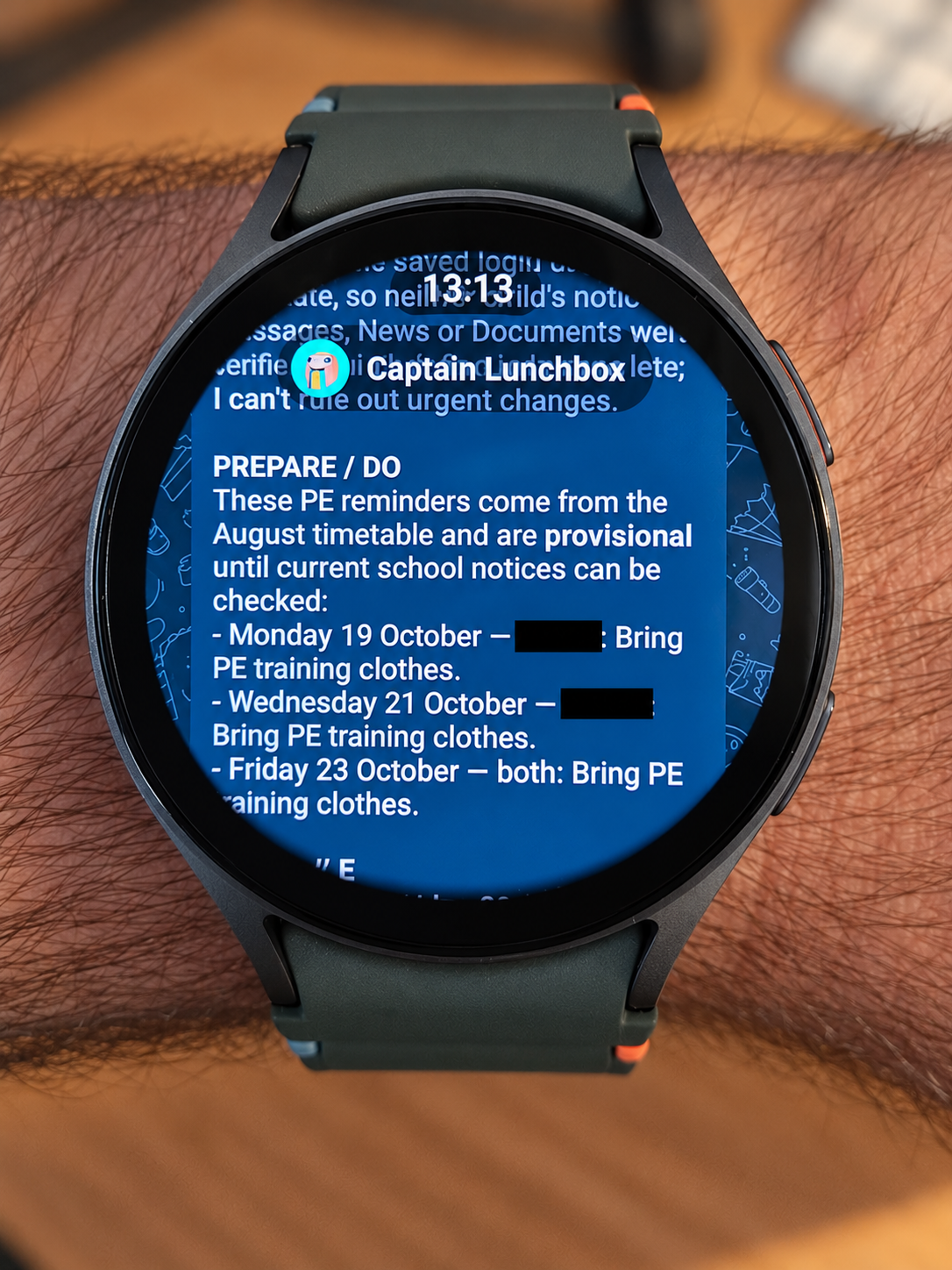
I can be watching TV or lying in bed, think of something, and ask for work to be done. There’s an interesting rhythm to it: think for a bit, make a decision, hand something over, and wait. Then come back to the result.
Having that access also made me think more carefully about privacy and what I was connecting. A convenient messaging channel is another part of the system to consider when deciding what information to send and what access to grant.
A foundation for Captain Lunchbox
One of the bots became Captain Lunchbox. The idea is to bring together email, calendar events, and the kids’ school newsletters into a useful family briefing: what’s coming up, and what needs attention.
That deserves its own post. This first step was about getting the foundations in place: reviving the computer, connecting the agent, and making it accessible in the moments when I wanted to use it.
It took more work than signing into a ready-made assistant. But bringing an old computer back into use, choosing how the setup works, and reaching it from my watch made the experiment worthwhile.